
Use the same Wi-Fi
Keep your iPhone and TV on the same home network. Avoid guest Wi-Fi and VPN while pairing.
Control Android TV, Google TV, Chromecast and supported TV brands over Wi-Fi.
AnyTV Controller turns your iPhone into a clean remote for supported Sony, TCL, Hisense, Xiaomi, Chromecast, Google TV and Android TV devices. Use touchpad navigation, keyboard input, number keys and fast Wi-Fi discovery from the phone already in your hand.
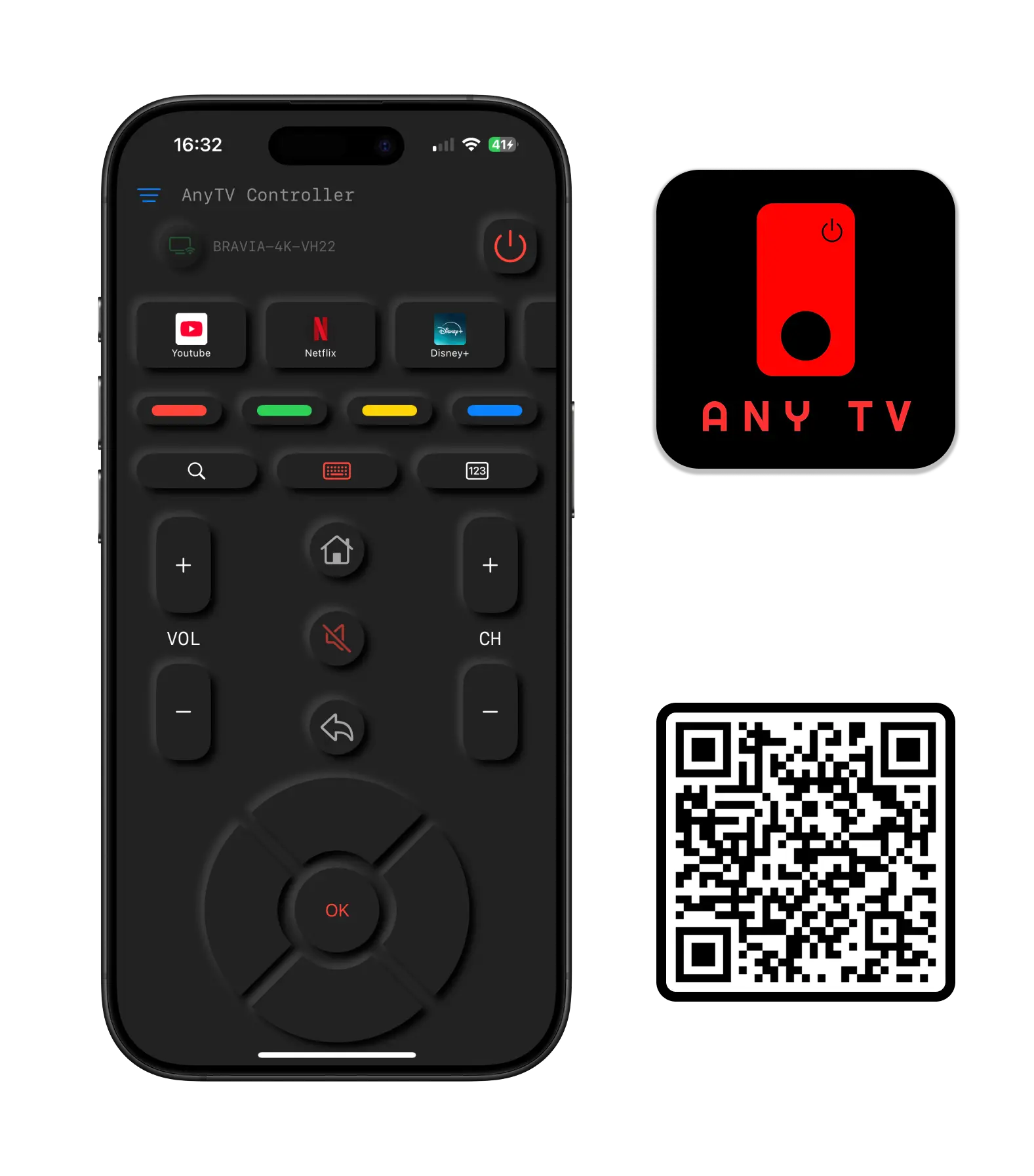
Works with supported Android TV and Google TV devices
AnyTV Controller is built for supported Android TV, Google TV and Chromecast devices. Start with the catalog, then use a brand guide for model-specific setup.
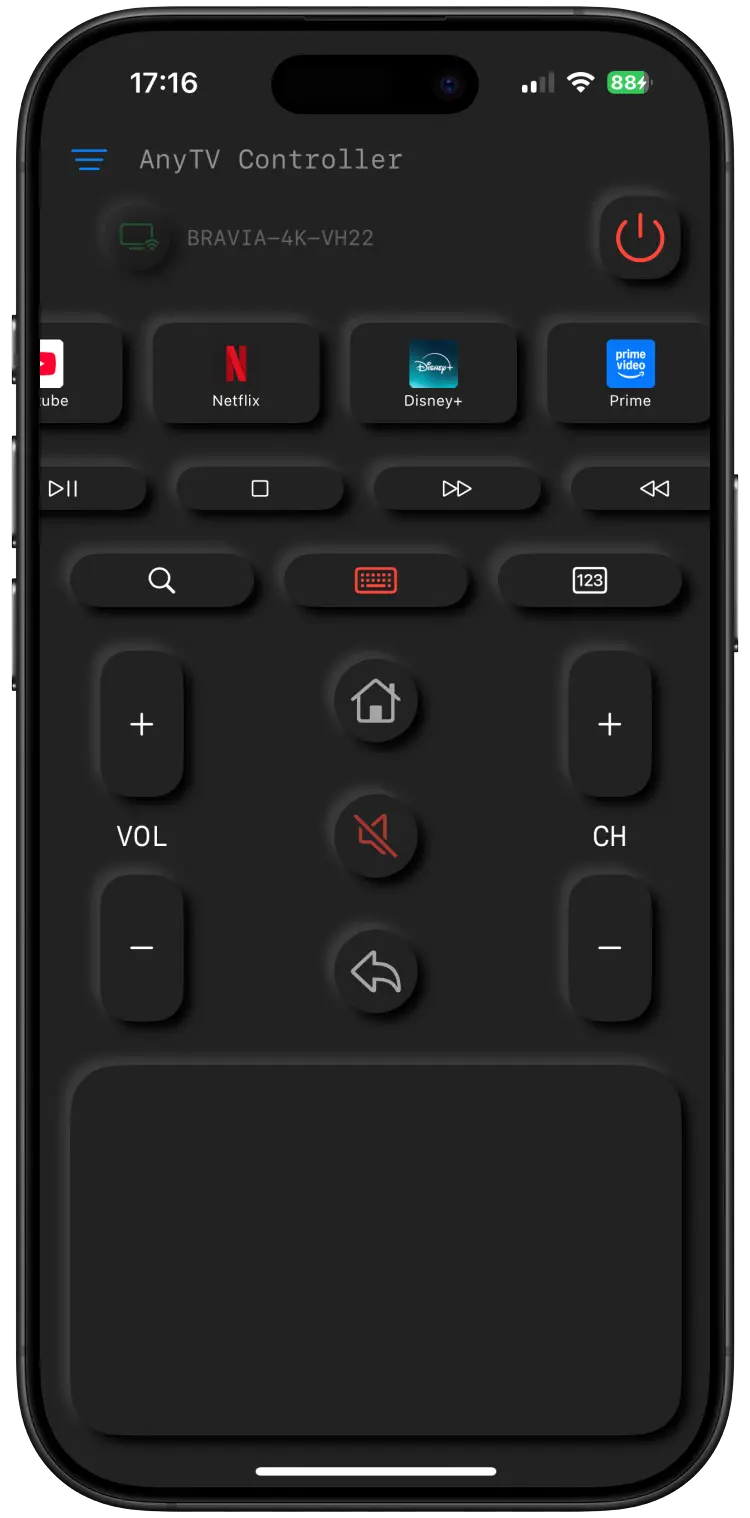
Control Everything, Effortlessly
From changing channels to launching apps, AnyTV Controller gives you every tool you need in one clean interface. No more hunting for buttons because everything is right at your fingertips.
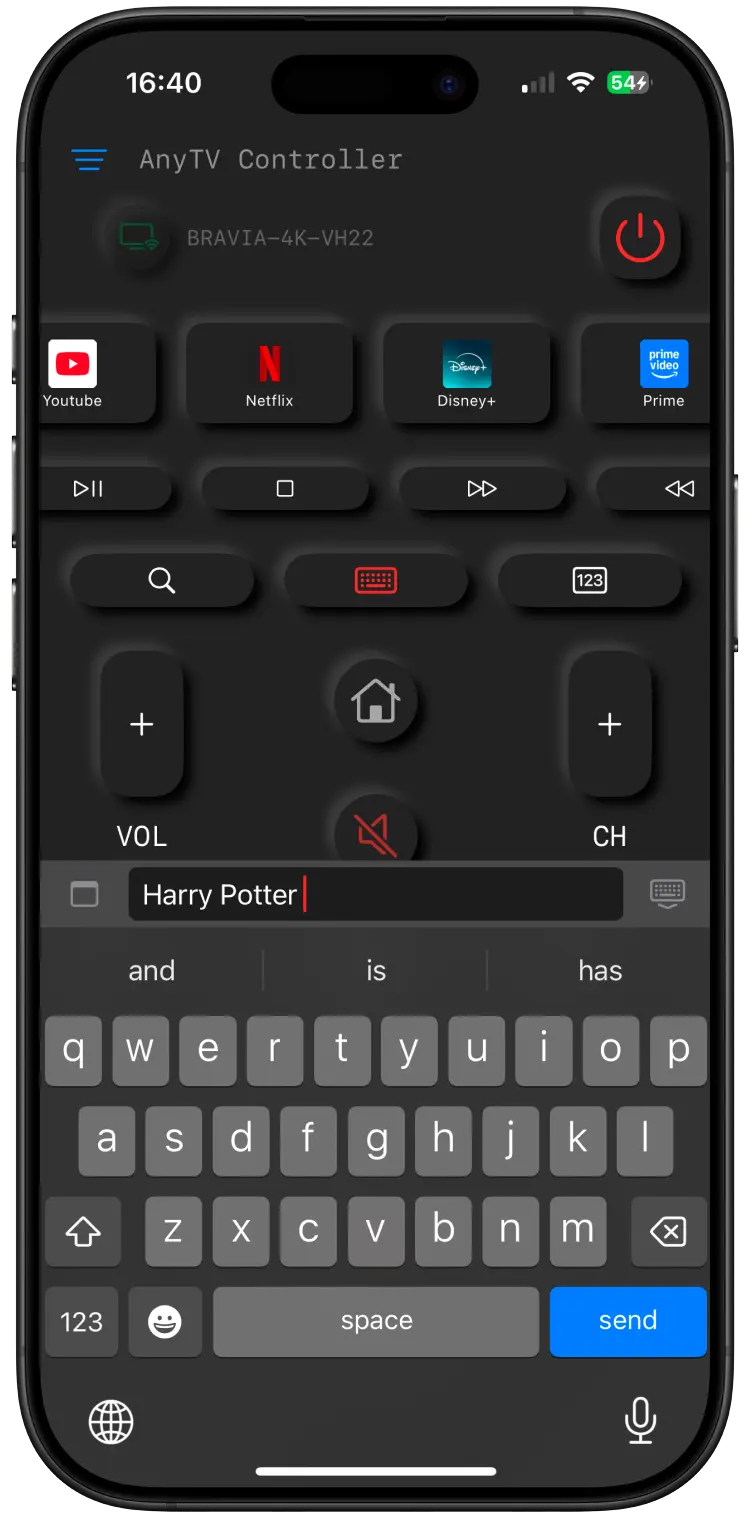
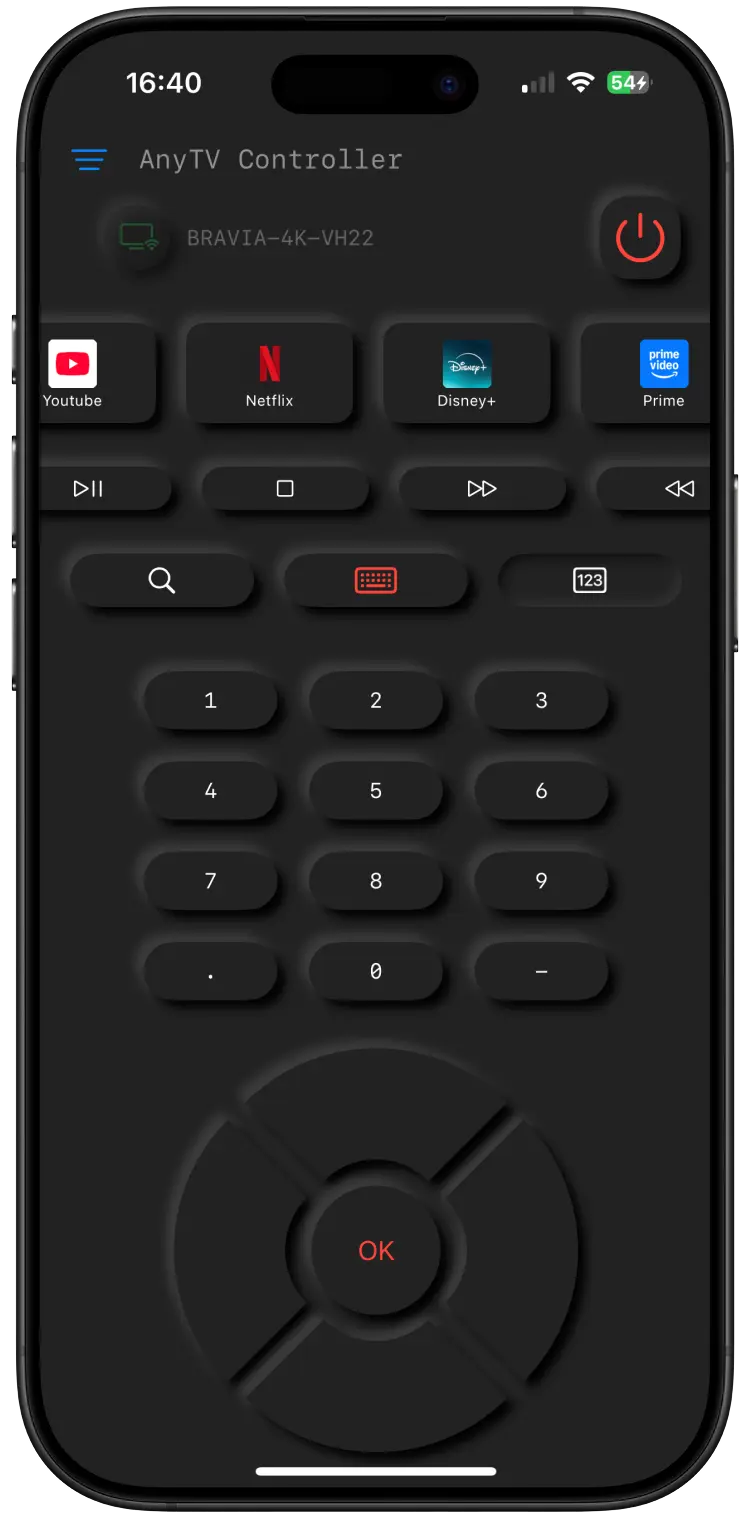
Type and Navigate Without Limits
No more slow typing with the TV remote. AnyTV Controller includes a full on-screen keyboard and number pad so you can search titles, enter logins, or switch channels from your iPhone.
Most connection issues come from network visibility, so setup starts with Wi-Fi before pairing.
Keep your iPhone and TV on the same home network. Avoid guest Wi-Fi and VPN while pairing.
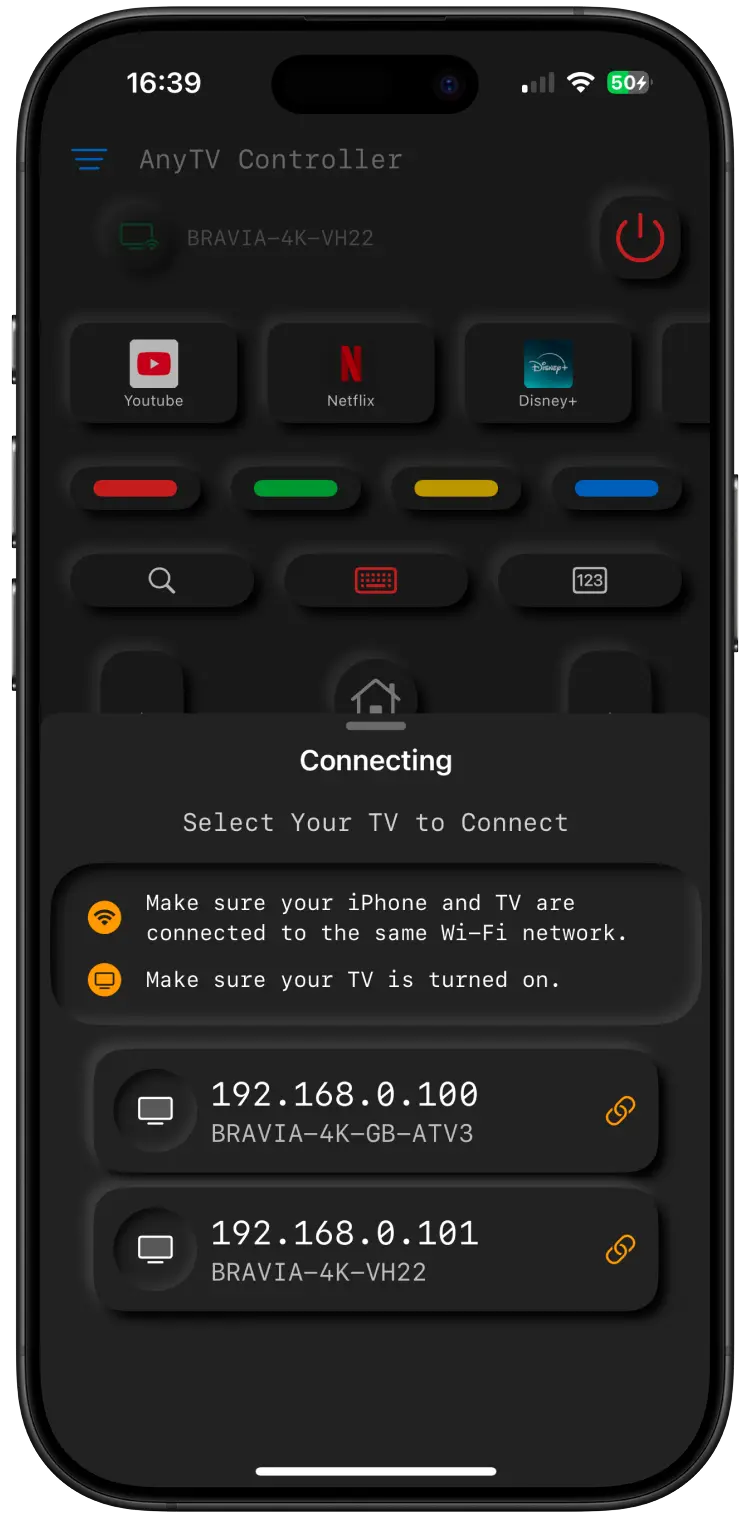
Open the app, scan for supported Android TV or Google TV devices, then approve pairing on the TV.
Use the keyboard for search, the touchpad for navigation, and number controls for channels.
Yes, the core functionality of the remote control is free. We offer optional in-app purchases for advanced features like an ad-free experience.
The app supports Android TV, Google TV, Chromecast and device families listed in our supported device catalog, including Sony, TCL, Hisense, Xiaomi, Skyworth, Philips / TPV, Sharp, Haier and more.
The app connects through your local Wi-Fi network. Your iPhone and supported Android TV, Google TV or Chromecast device must be on the same network.
Control your Android TV, Google TV or Chromecast from the device that's already in your hand. Download AnyTV Controller for free today.
Get Your Free RemoteCheck Compatibility